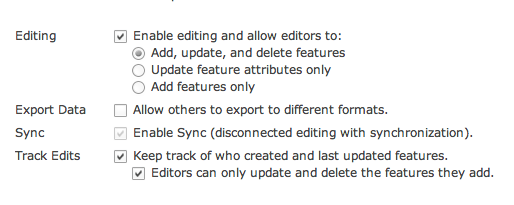
The screen shots below give a general overview of the pilot field data collection app. We will edit it based on user feedback and testing and release a final version.
Getting Started
|
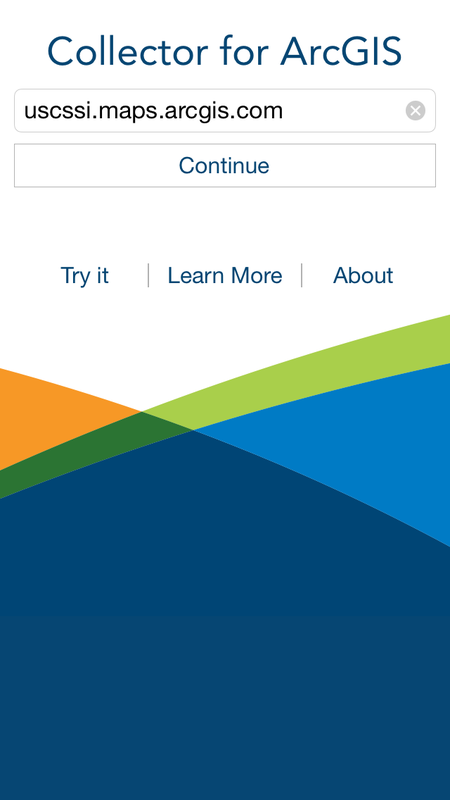
Collector for ArcGIS Starting Screen
|
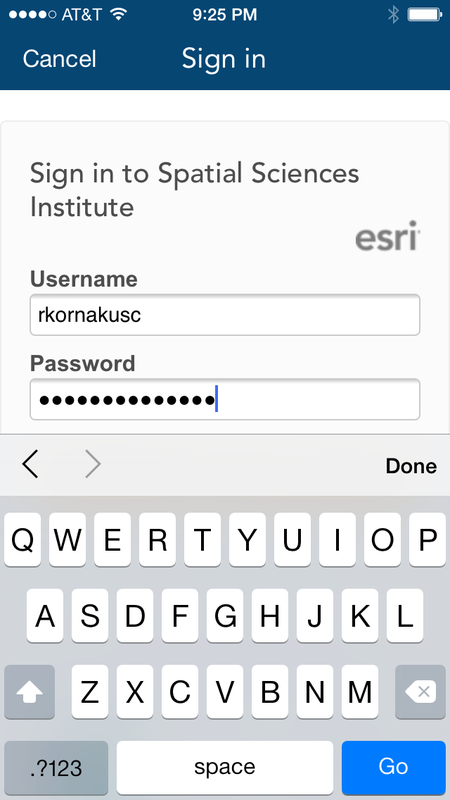
Login to ArcGIS Online
|
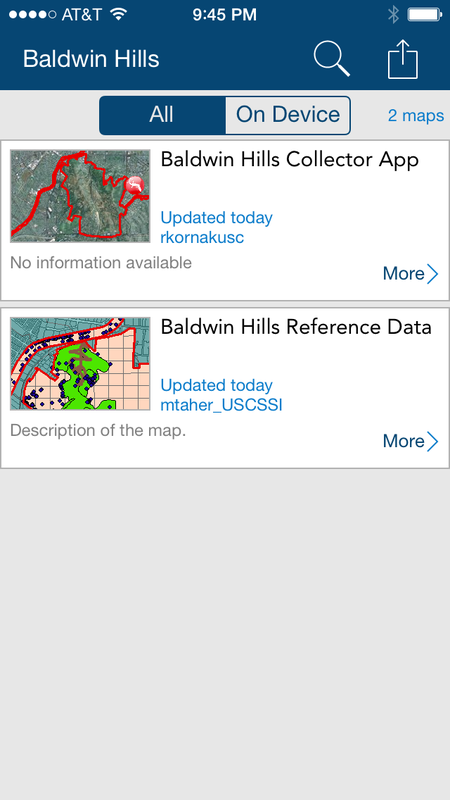
Choose a Map (Baldwin Hills Collector App)
|
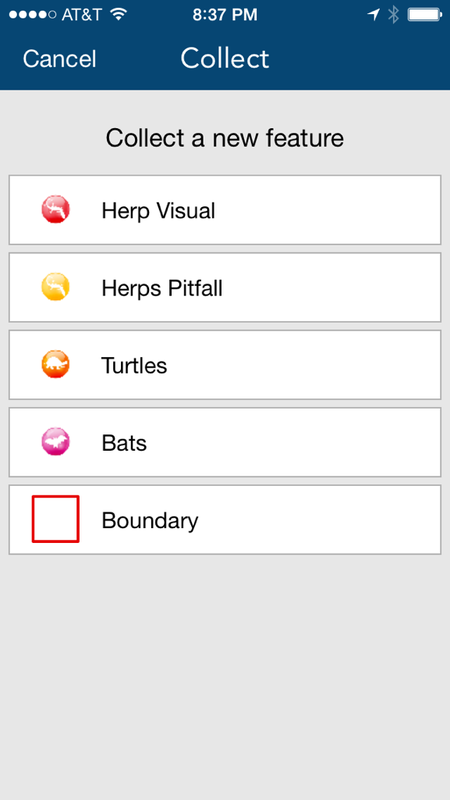
We Built Custom Icons for Each Feature Type

|

|

|

|
Main App Features
|
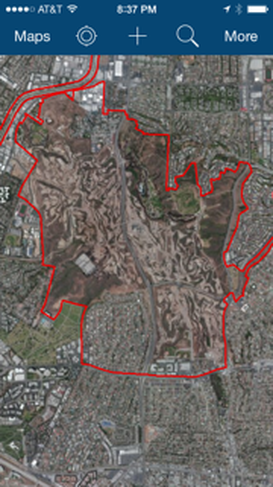
App Opens at Baldwin Hills by Default, Then Zooms to Your Current GPS Location
|
Add a New Data Point. Users can collect data within 4 categories.
|
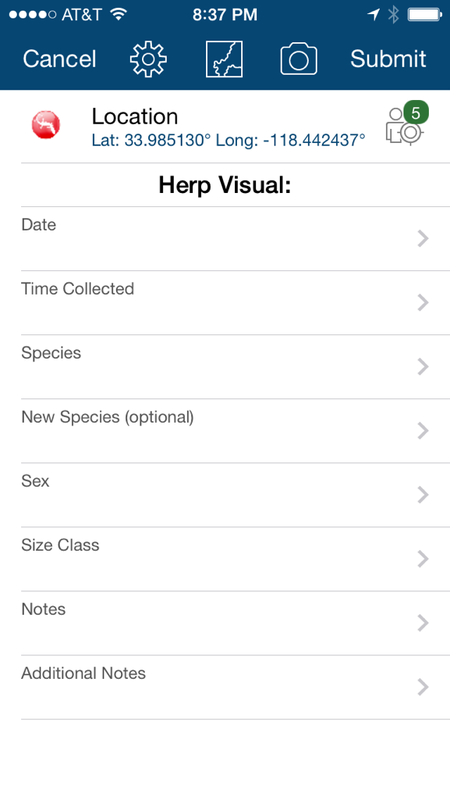
Latitude and Longitude Update Automatically.
|
|
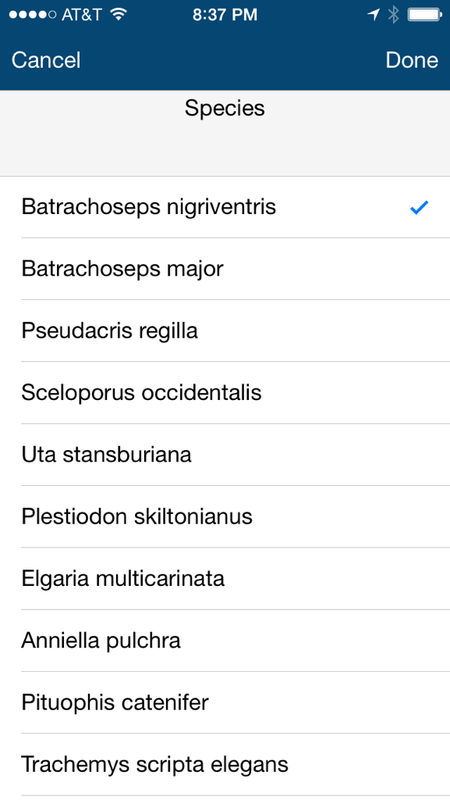
Drop down lists for species, sex, etc.
|
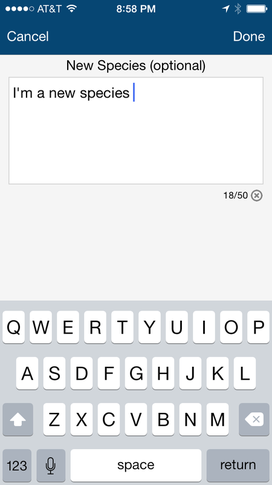
Add additional species names manually.
|
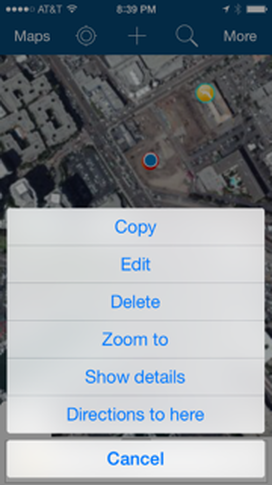
Edit or delete data after you entered it.
|
|
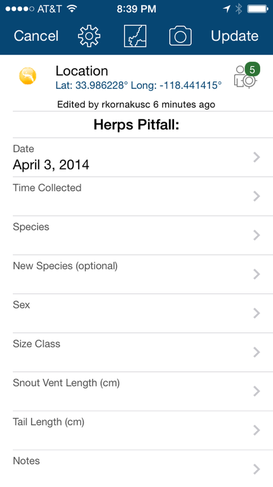
View attributes of points you collected earlier.
|
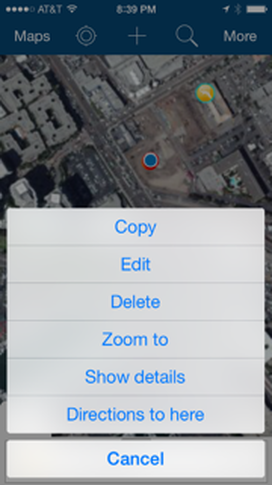
Edit or delete data after you entered it.
|
Offline Editing Steps
Download data when you have a connection. Edit offline. Sync edits back to the cloud when you reestablish a connection.
|
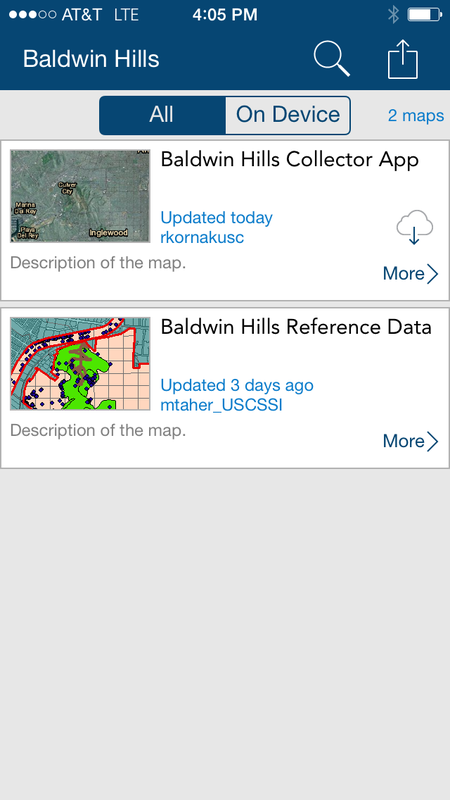
While you are connected to WiFi, click the cloud with a downward arrow icon within the Baldwin Hills Collector App box.
|
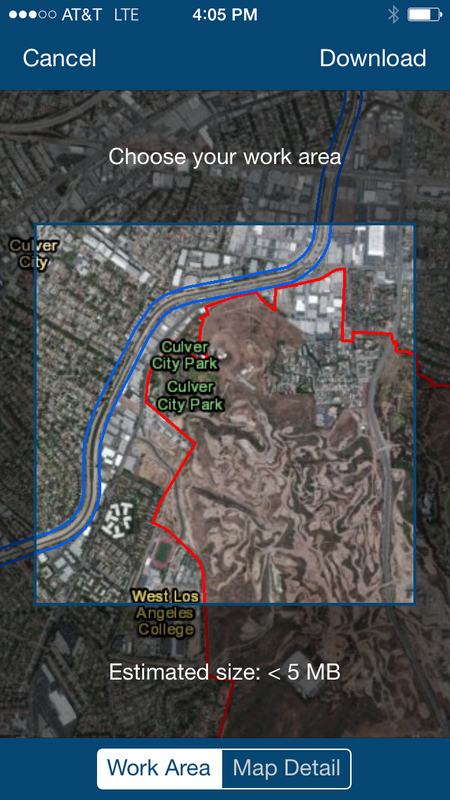
Zoom in or out on the map to choose the area you wish to download, then click "Download."
|
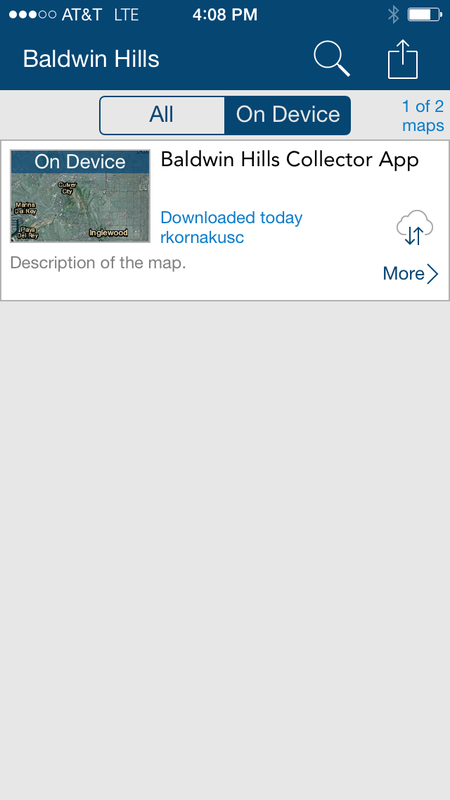
Once offline, you can access your downloaded materials by clicking on the "On Device" button > click on the map image.
|
|
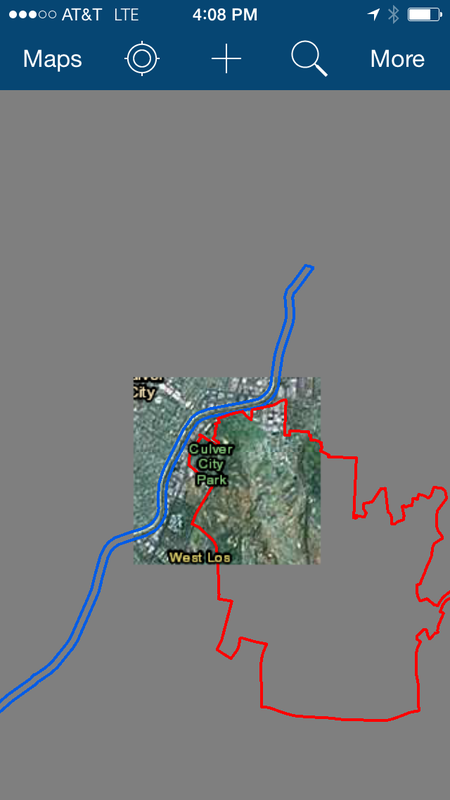
You'll notice that you can only see the basemap within the area you selected earlier. All areas outside of this box will be shown in grey. Make sure you download all of the areas you will need for a particular day in the field while you still have a WiFi Connection.
|
To avoid large cell phone data charges, only download data when you have a WiFi connection. This option is available within the App Settings menu. (Main screen > icon in the upper right hand corner that looks like a box with an up arrow > Settings).
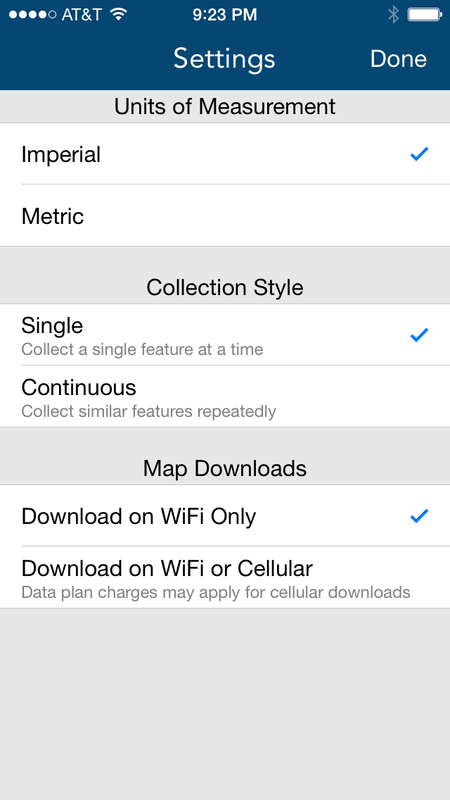
|
Additional App Features
|
Turn layers on and off.
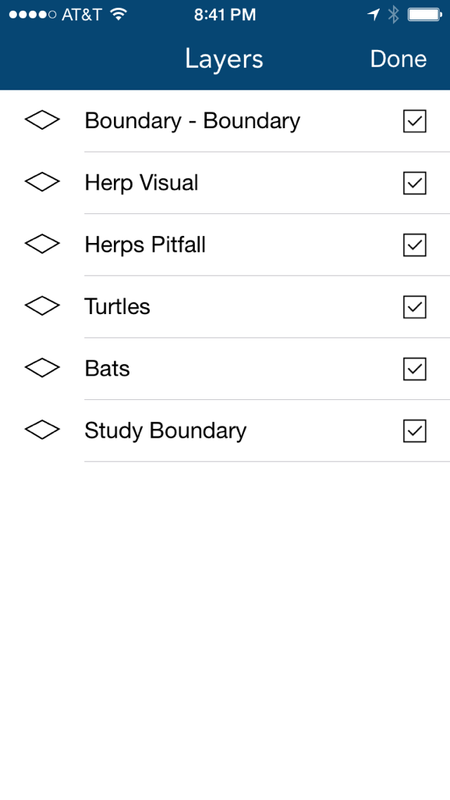
|
Change basemap.
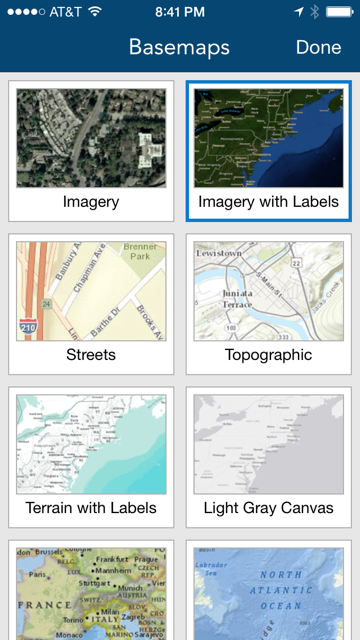
|
Measure distance and areas.
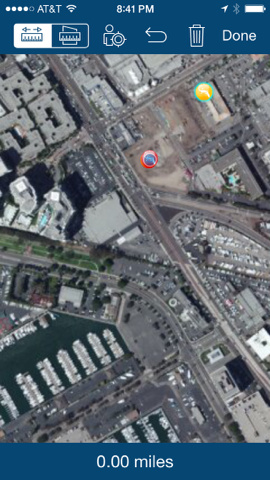
|
View Data in ArcGIS Online
Data and Maps are Accessible Only by Team Members in ArcGIS Online.
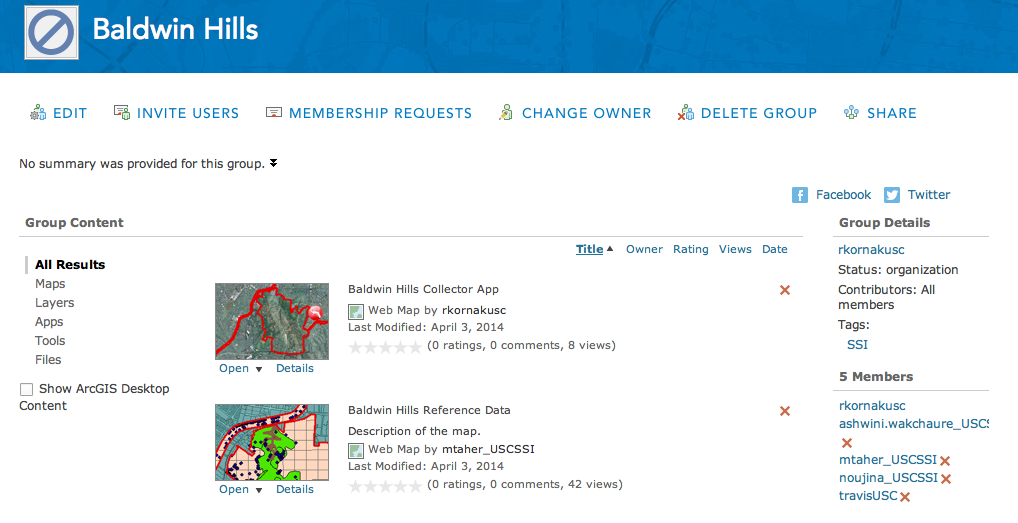
Data collected in the field is immediately available on ArcGIS Online for viewing and editing.
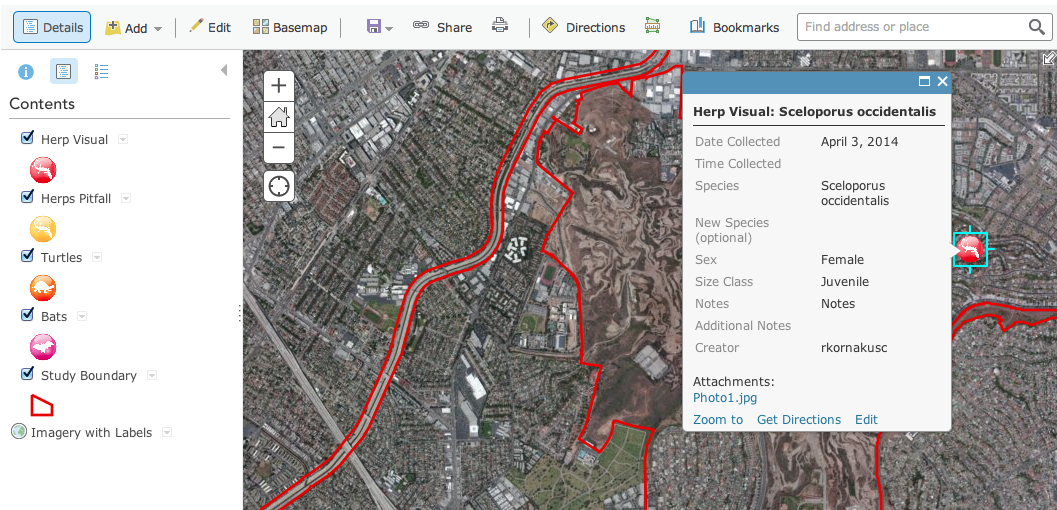
Automatically tracks entries and edits by each user, including their name and date.